We chose to visually demonstrate this procedure in Unity, which is a free-use game engine, perfect for this sort of experiment. The code for the program was done in C Sharp (C#).
Obviously, to procedurally generate, we would want to have a condition to generate new 10×10 chunks, were we to finish this implementation, this would condition would have been when a player character (which would be a camera which pans around) reached the edge of a chunk. This would generate new chunks in the area around the current chunk which did not already exist.
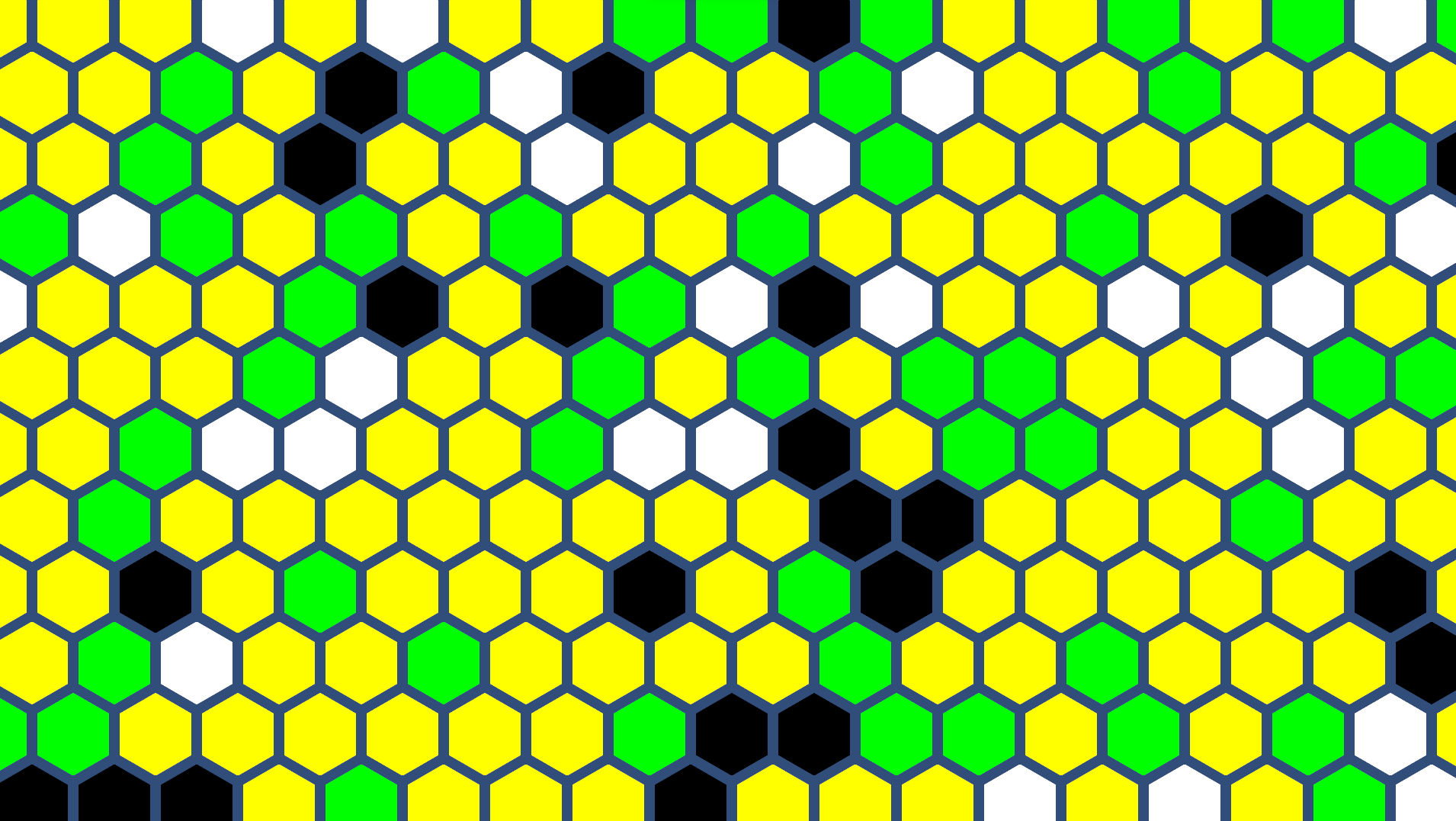
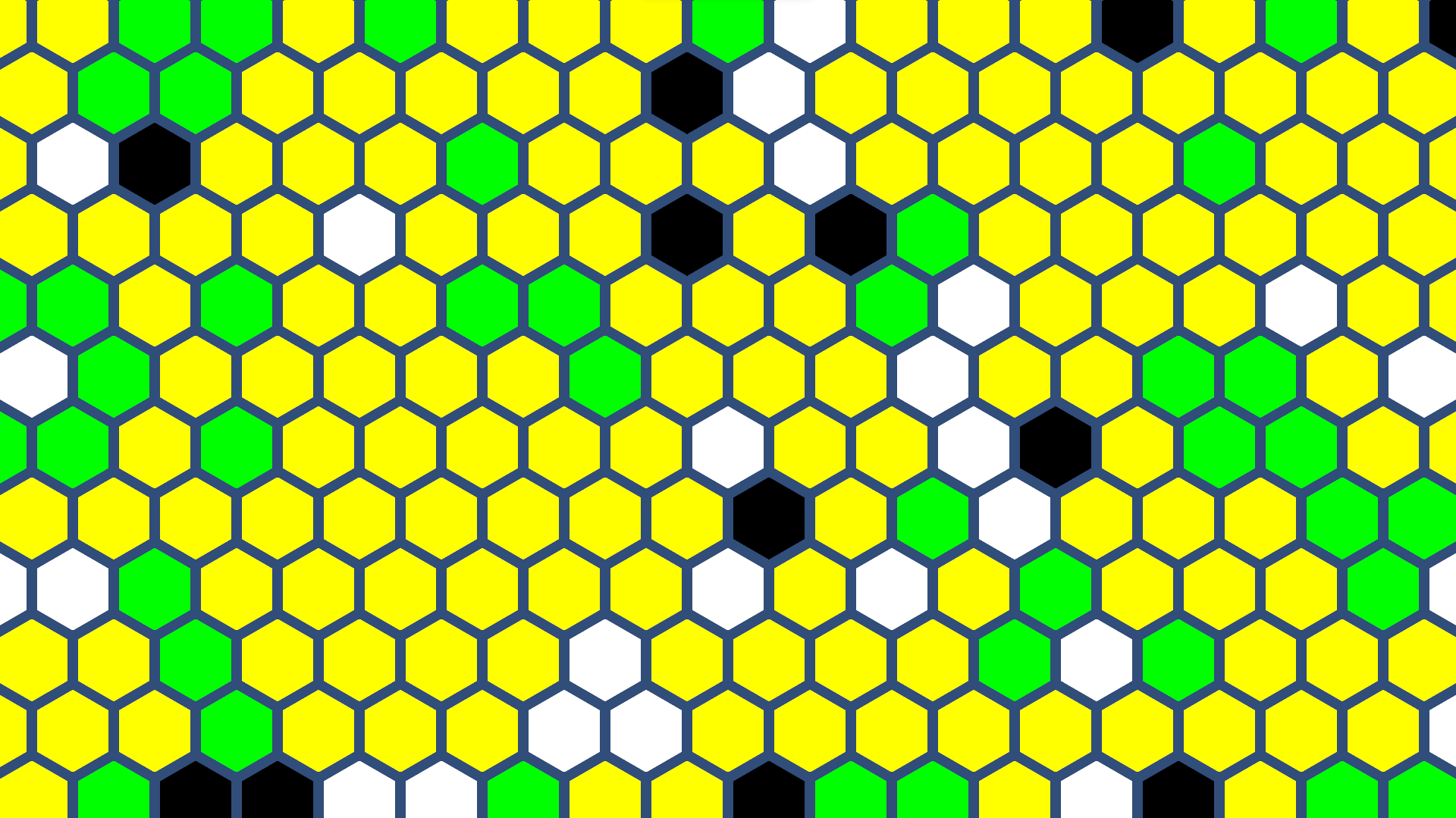
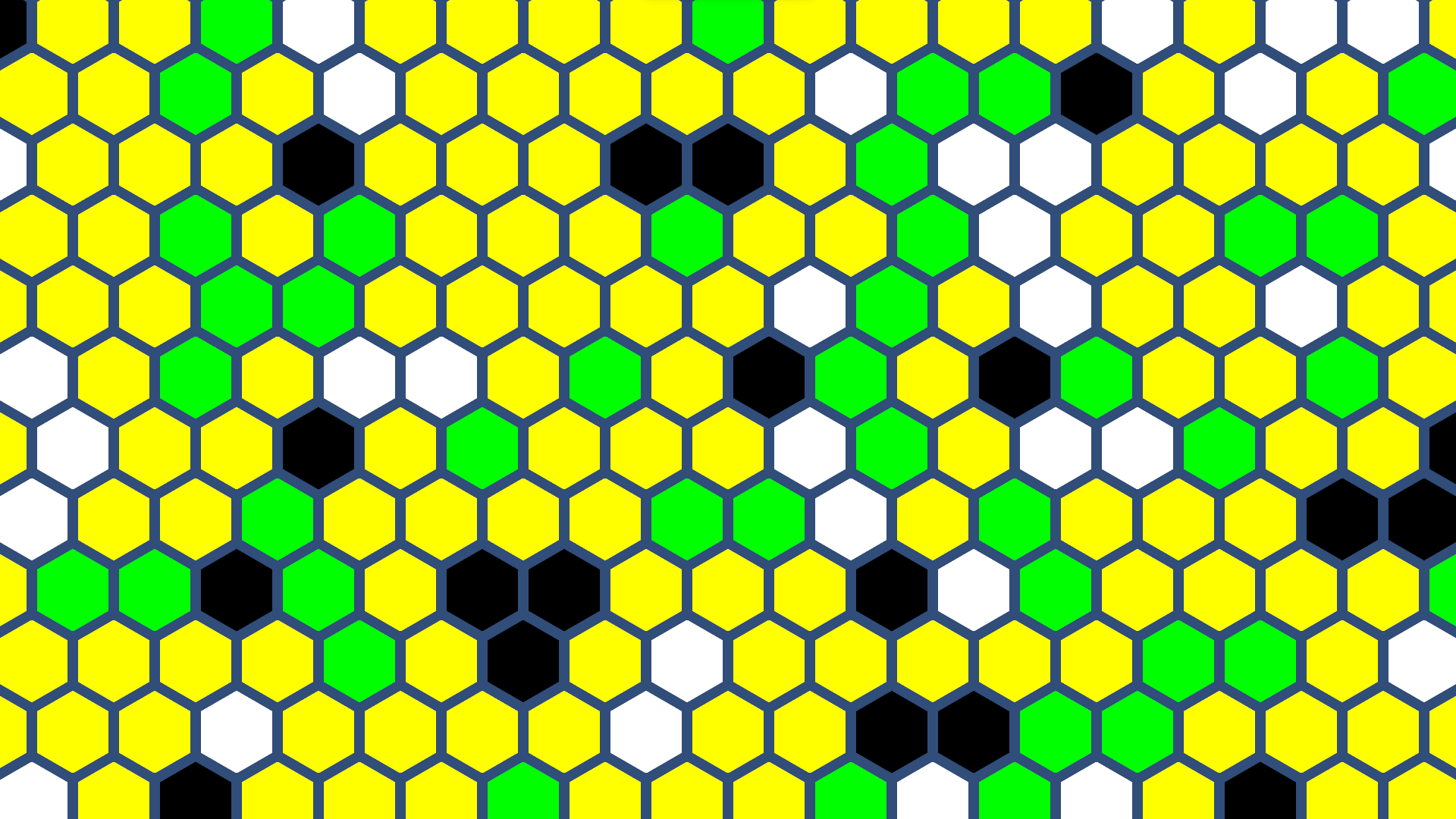
We were able to manually generate eight chunks and give them random seeds. To the right are some examples of our chunk generation.
The chunk is created by creating a 2D array of sprites. We used the basic hexagon sprite that Unity provides, and it was quite convenient that it naturally had a buffer zone of transparency. Otherwise we could not see the outlines of the hexagons unless they were set to different types, which denotes what color they are. Speaking of, each sprite in the array is set to a different color depending on what random number 0 through 9 it is assigned.
Each sprite would need to placed in its correct spot depending on its position. Below is the code to determine its offset.
GameObject g = new GameObject("x: " + x + "y: " + y);
if(y % 2 ==0)
{
 g.transform.position = new Vector3(x- (Horizontal - 1.5f), y - (Vertical + (0.13397459621f * y)));
}
else
{
g.transform.position = new Vector3(x- (Horizontal - 2f), y - (Vertical + (0.13397459621f * y)));
You may notice the y-offset is not .86, instead it is .13, which is (1-.86). We have no idea why it needed to be done this way, but we tried it the other way and it was not successful. We also check for if the hexagon is on an odd row, this is an issue of course because every other row in a hexagonal grid is shifted over a little bit.
